Files need a route and a receipt.
Official MobaXterm materials describe a graphical SFTP browser that appears with an SSH connection. We help teams define what may move, where it lands, and how an operator verifies the result.
Drawing 04 · File movement
Home / SFTP
Official MobaXterm materials describe a graphical SFTP browser that appears with an SSH connection. We help teams define what may move, where it lands, and how an operator verifies the result.
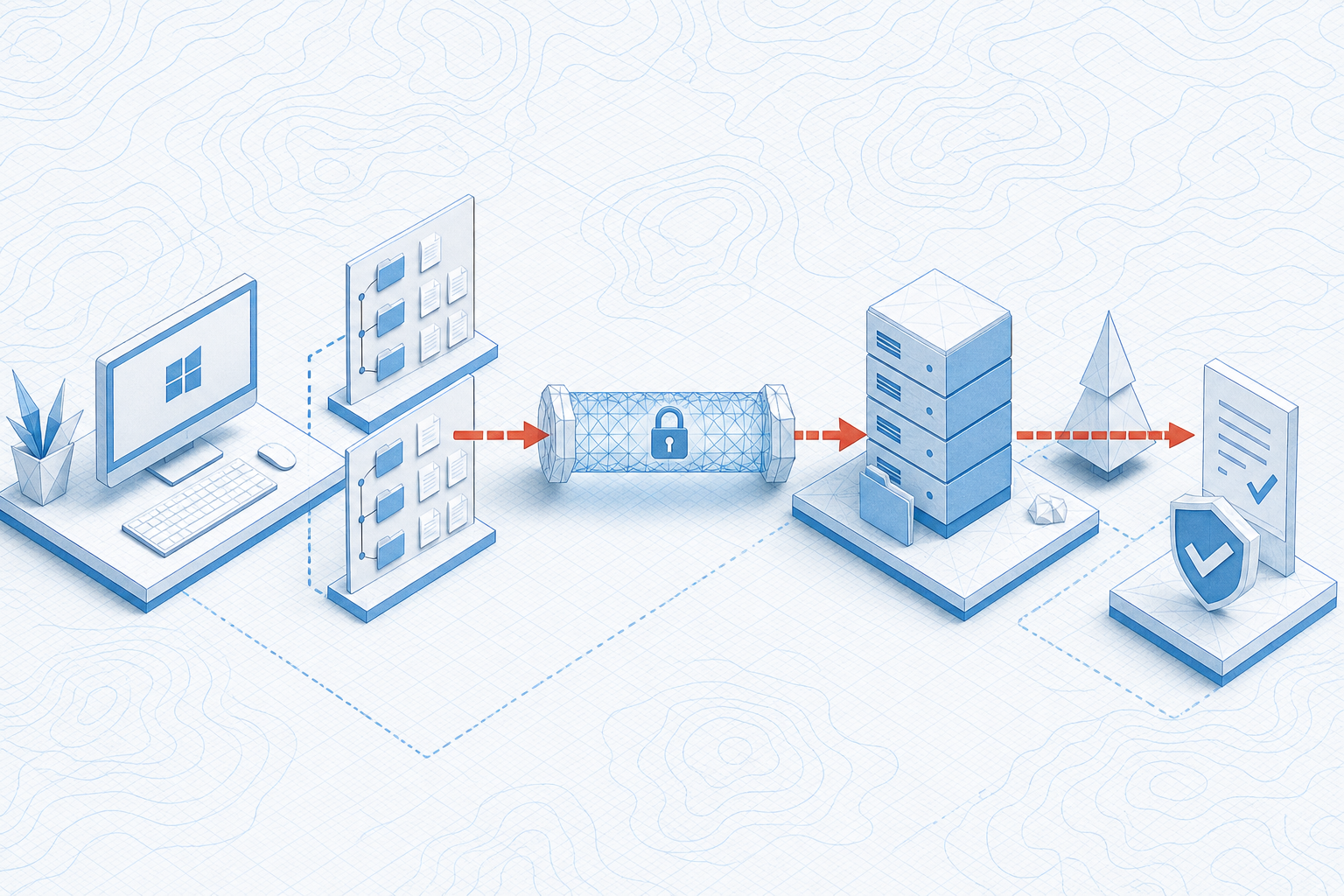
Name the source and destination before connecting.
Confirm the SSH host and current remote path.
Use the approved direction and overwrite rule.
Check the agreed evidence, not merely a completed progress bar.
No. Record the approved credential source and owner, not the secret.
No. This engagement documents client-operated workflows using approved systems.
Possibly, but direct remote editing deserves separate recovery and version-control decisions.