Skip to content

Independent field office · Raleigh, North Carolina · Remote across the United States

Route drawing 01 / Windows remote access

Remote access, drawn before it is deployed.

Route Atelier helps US infrastructure, engineering, and operations teams turn MobaXterm usage into a documented working route: SSH sessions, gateways, file transfer, X11 application delivery, and managed rollout decisions.

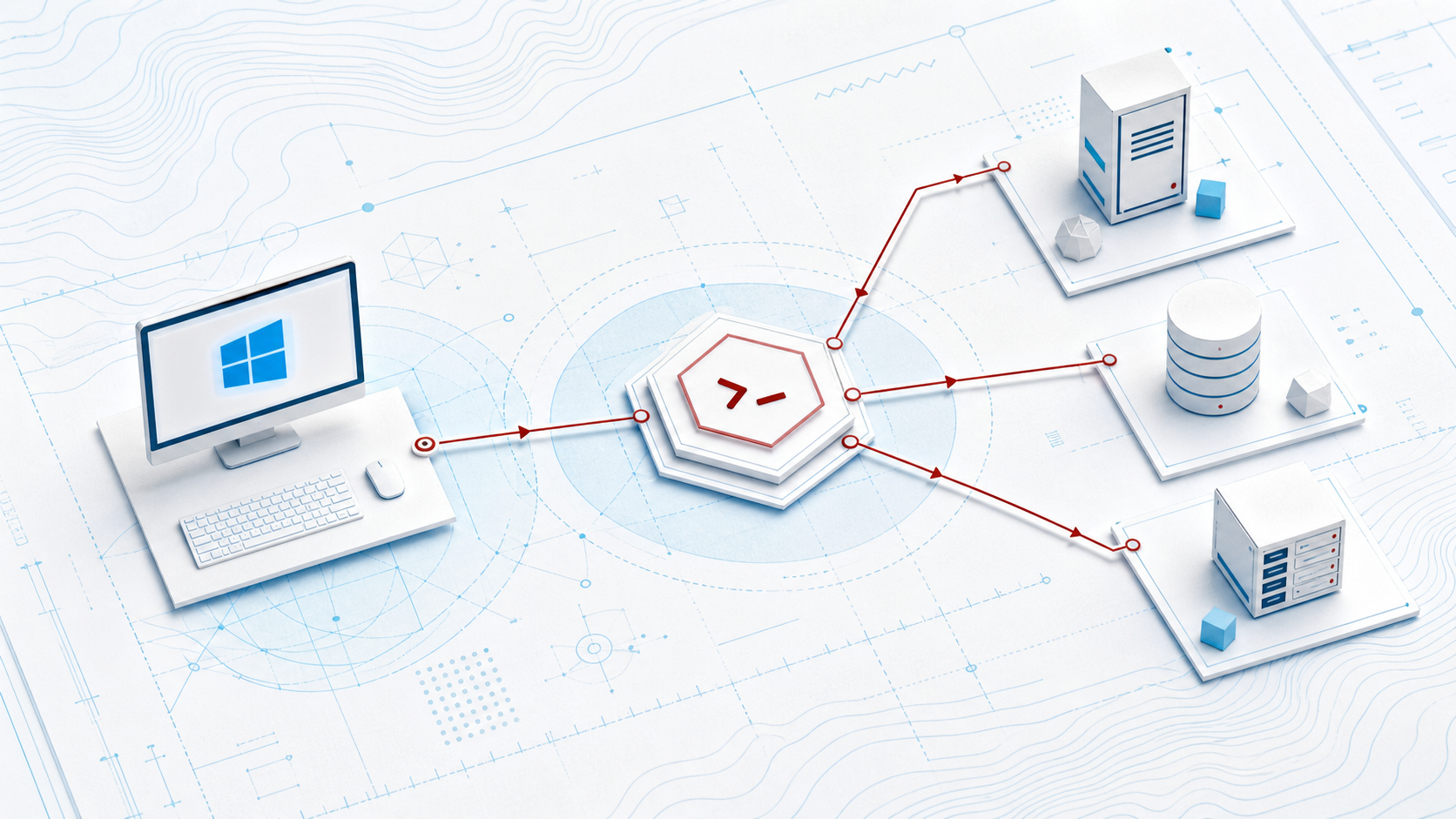
Blueprint-style model of a Windows workstation routing through SSH to remote systems
WORKSTATION → ROUTE → DESTINATIONConcept model, not a product interface
Session architecture
Names, folders, authentication choices, host-key handling, keepalive, and route ownership.
Gateway paths
Jump-host sequences and tunnel intent documented against actual network boundaries.
File movement
SFTP workflows with source, destination, permission, verification, and retention checkpoints.
X11 delivery
Remote GUI prerequisites, forwarding path, display behavior, and performance expectations.
Capability index

Choose the drawing that matches the task.

  1. SSH session design

    Build a repeatable session baseline instead of a shelf of personal shortcuts.

  2. Jump hosts & tunnels

    Clarify gateway hops, local forwarding, and boundary ownership.

  3. SFTP workflows

    Make transfer steps reviewable and teachable.

  4. X11 application routes

    Plan remote Linux GUI use on Windows with realistic prerequisites.

  5. Enterprise rollout

    Stage pilots, configuration choices, licensing review, and handoff.

  6. Field guide

    Use a practical checklist before opening a remote session.

Engagement route

From current state to an operator-ready packet.

  1. Trace

    Inventory destinations, protocols, user groups, gateway boundaries, and current friction.

  2. Draft

    Produce the route model, session convention, decision log, and test cases.

  3. Pilot

    Observe a small operator cohort and revise ambiguous steps.

  4. Transfer

    Deliver runbooks, configuration notes, and a clearly bounded follow-up list.

Blueprint comparison of portable and managed workstation approaches
EDITION AND DELIVERY DECISIONS BELONG IN THE PLAN
Product facts, interpreted carefully

Feature knowledge without product-owner voice.

Mobatek’s official materials describe MobaXterm as a Windows toolbox with SSH, SFTP, an embedded X server, a session manager, gateway support, and graphical tunnel management. They also distinguish Home and Professional use and deployment conditions.

Our role is to help your team translate those capabilities and license terms into a working internal approach. Purchases, downloads, updates, license grants, and product support remain with Mobatek.

See the rollout decision record →

Use cases

Built for mixed Windows-and-Unix work.

Engineering

Remote compute

Reach Linux tools, transfer inputs, and display selected remote applications.

Manufacturing route
Operations

Cloud estates

Separate workstation, gateway, and destination responsibilities.

Cloud route
Frequently asked
Do you sell or distribute MobaXterm?

No. We do not sell licenses or host downloads. Use Mobatek’s official channels for software, licensing, and product support.

Can you guarantee security or compliance?

No. We document controls and operating choices for your team to evaluate. Certification, legal conclusions, and security guarantees are outside our scope.

Can an engagement start with one workflow?

Yes. A bounded SSH, SFTP, X11, or gateway route is often the most useful first drawing.

Start with a route, not a promise

Bring one workstation, one destination, and one stubborn handoff.

We will define the questions, participants, and evidence needed for a practical discovery session.

Contact Route Atelier